 Back to Verification Methods
An age verification method that uses a Selfie to estimate a user’s exact age.
What you need:
✓ A smartphone or webcam. Ensure that camera access is enabled on your device and browser.

An age verification method that uses a Selfie to estimate a user’s exact age.
What you need:
✓ A smartphone or webcam. Ensure that camera access is enabled on your device and browser.
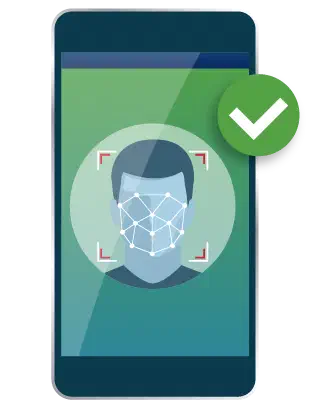

Selection: Select the Selfie age verification method from the list of available options.
Selfie Capture: Using your mobile phone or webcam follow the on-screen instructions to complete the Selfie capture.
Submission: Accept the Terms & Conditions and click Continue. The captured Selfie image is immediately submitted to AgeGO’s verification system.
Analysis: The system analyzes the Selfie for various factors, such as facial recognition, liveness detection (checking for signs of a live person), and image quality.
Verification: Based on the analysis, the system determines whether the Selfie is valid and your age has been verified.
Save your verification: If the verification is successful, you can create an AgeGO account. Then you don’t need to verify your age again on websites that use AgeGO. Choose one option:
Important! Sometimes the Selfie technology cannot guarantee you are 18+, therefore you will be prompted to scan and upload your official Government ID. Read on to follow the next stage…
Your Government-issued photo ID will be checked along with your Selfie to determine your age, using face match technology to verify ID ownership.
What you need: A smartphone, ensure that camera access is enabled on your device and browser. A Government-issued photo ID e.g. Drivers License, Passport or National ID Card. Ensure that it is yours and that the date has not expired.
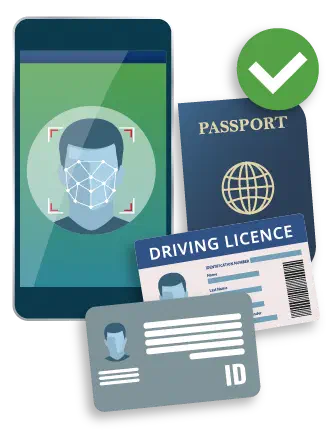
Check: Ensure that the ID is yours and the date has not expired.
Scan: You will be prompted to scan your Government photo ID with your mobile phone.
Submission: Accept the Terms & Conditions and click Continue. The previously captured Selfie image and ID document scan are submitted to AgeGO’s verification system.
Analysis: The system analyzes the Selfie and the ID document using face match technology.
Verification: Based on the analysis, the system determines whether the Selfie and ID document match, if they match your age has been verified.
Save your verification: If the verification is successful, you can create an AgeGO account. Then you don’t need to verify your age again on websites that use AgeGO. Choose one option:

Once your age is verified, no personal data is stored.

Our technology analyzes your Selfie in seconds.

This method ensures age verification accuracy and authenticity.